Description
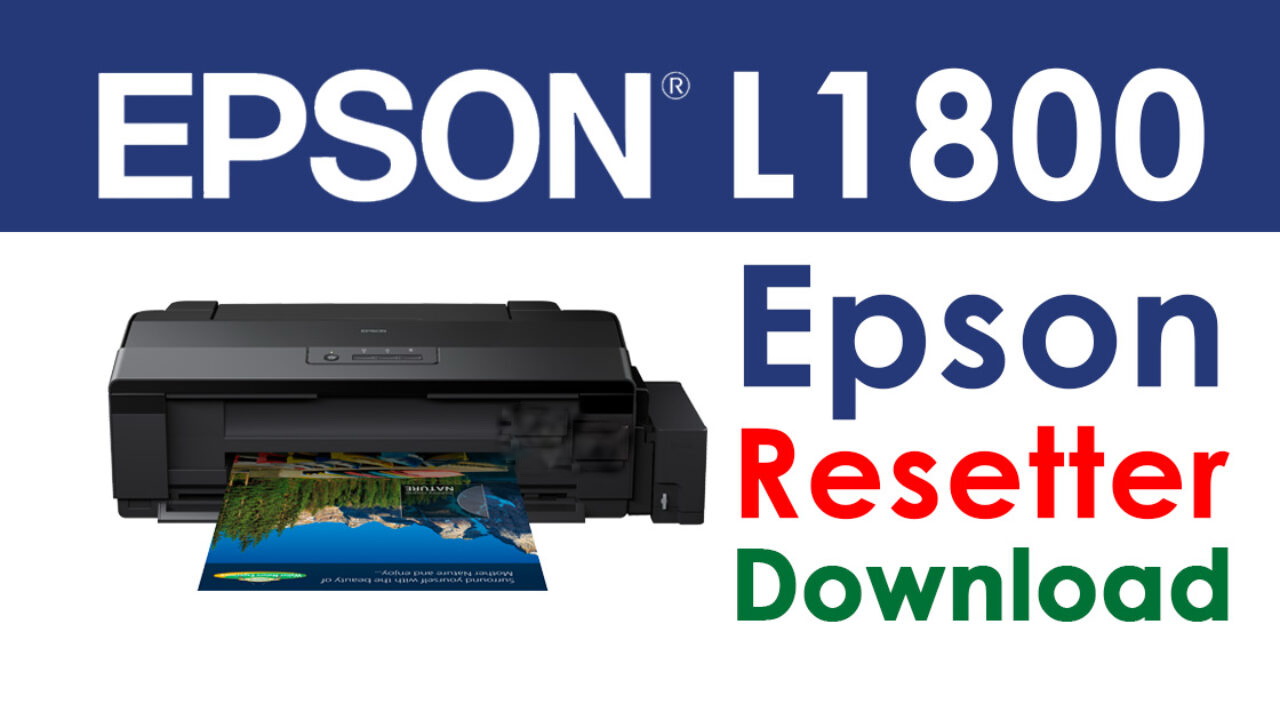
Epson L1800 Ink Pad Reset Tool | Adjustment Program
Restore Functionality & Extend the Life of Your Epson L1800 Printer
If your Epson L1800 has stopped printing due to a “Service Required” or “Ink Pad is at the end of its service life” error, the Epson L1800 Ink Pad Reset/Adjustment Program is the solution you need. This software tool, also known as a Resetter, allows you to reset the internal waste ink counter and bring your printer back to life without needing to replace hardware.
Designed for technicians, DIY users, and small business owners, the reset tool is a cost-effective way to extend your printer’s lifespan and avoid expensive service center visits.
What It Does
The Epson L1800 printer includes an internal waste ink pad that collects excess ink during cleaning cycles. Over time, the printer estimates that the pad is full and automatically stops printing—even if the pad isn’t completely saturated. The Adjustment Program resets the counter, tricking the printer into thinking the pad has been replaced, so you can continue using it.
This reset does not require opening the printer or replacing parts, and it’s often completed in just a few minutes.
Key Features
Compatible with Epson L1800 model only
Resets the waste ink pad counter to 0%
Eliminates the “Service Required” error
One-time activation code included (if required)
Instant digital download (no physical product)
Works on Windows-based systems (not Mac-compatible)
How to Use
Connect your Epson L1800 printer to your Windows PC via USB.
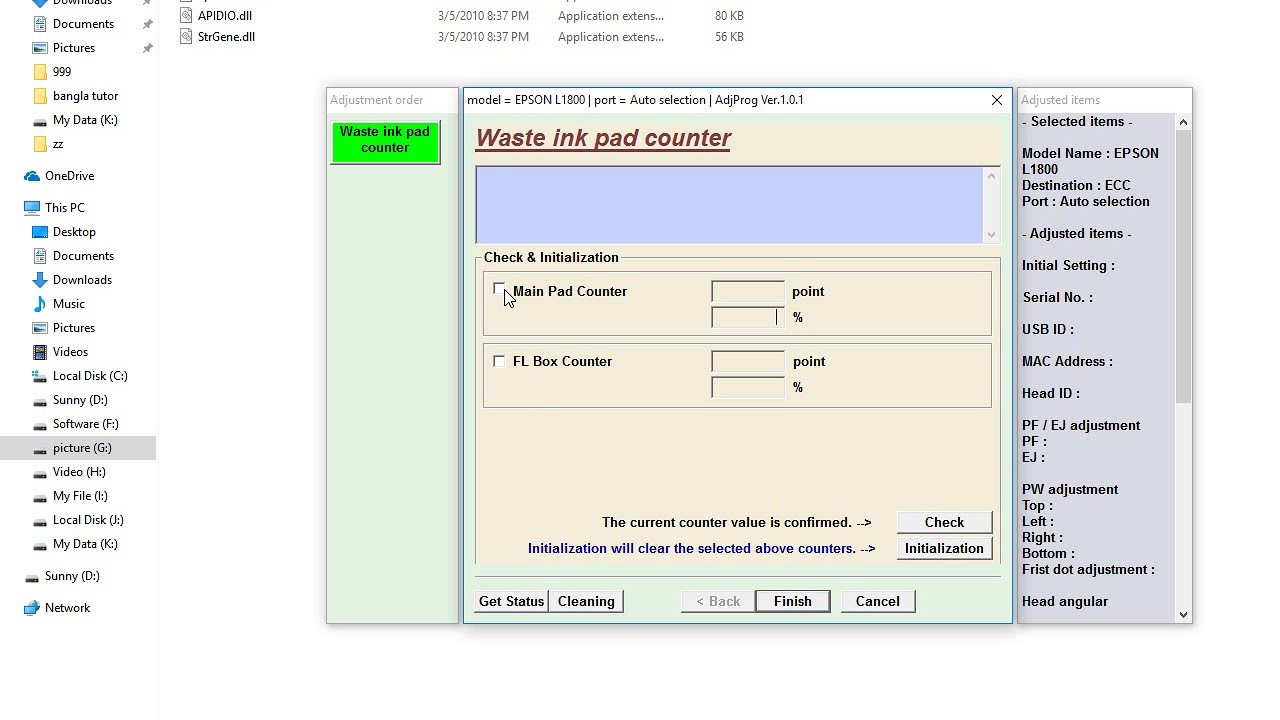
Run the Adjustment Program.
Select the correct model and port.
Use the “Waste Ink Pad Counter” function.
Click “Check” then “Initialization.”
Restart your printer—you’re done!
A step-by-step PDF or video guide is typically included or available on request.
Important Notes
This tool is intended for technical use only.
Frequent resetting without replacing the ink pad may lead to ink overflow or printer damage.
It’s recommended to clean or replace the waste ink pad after multiple resets.
Keep Your Printer Running
Avoid downtime and costly repairs. With the Epson L1800 Ink Pad Resetter Tool, you can reset your printer quickly and safely—restoring performance and saving money.


Reviews
There are no reviews yet.